
3CX MCP Server Explained: Can AI Help Manage Your PBX?
What the new 3CX MCP Server can do, how its permission model works and what administrators should consider before connecting an AI client.
Release status: 3CX V20 Update 10 remains an Alpha release on 2 September 2026. Test this feature in a non-production environment only.
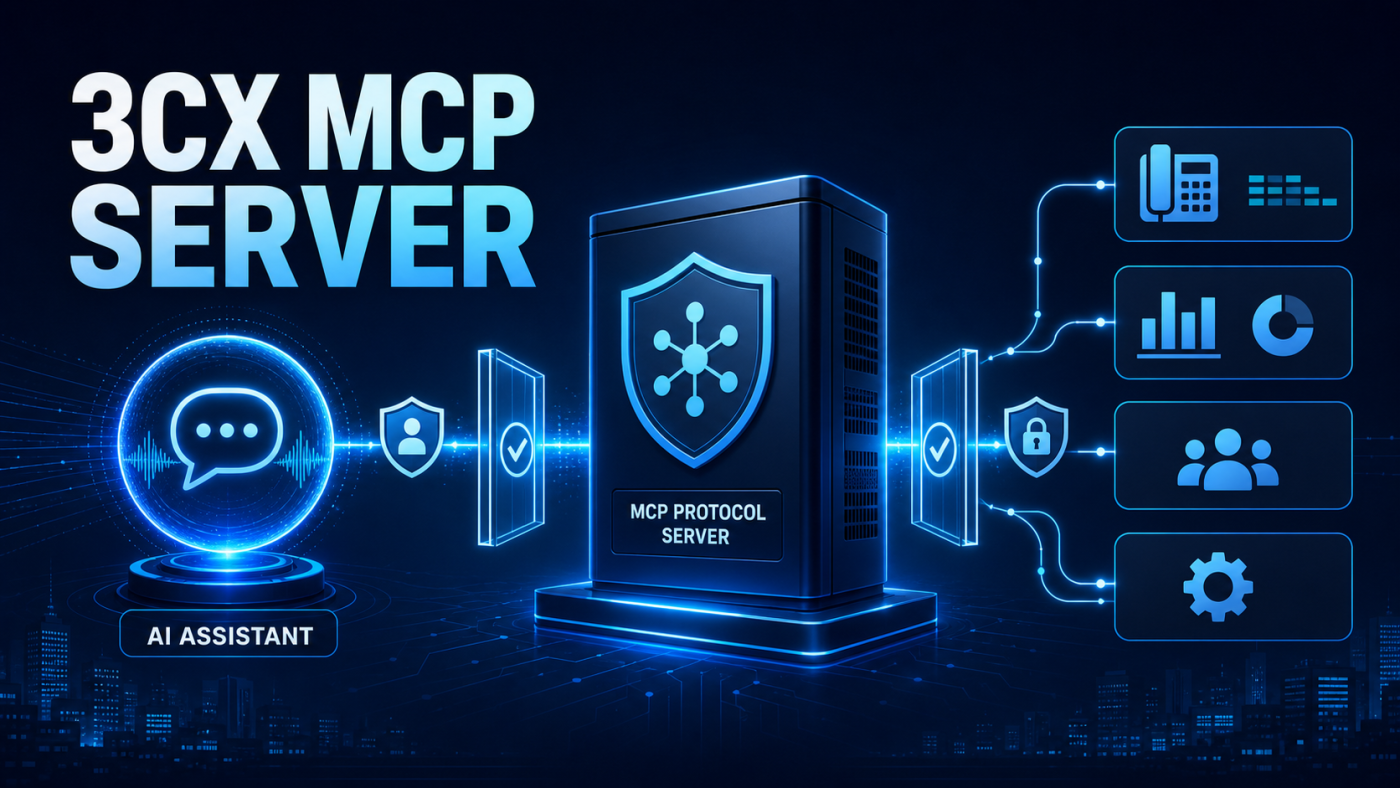
The 3CX MCP Server creates a standard connection between a supported AI client and information or actions available in a 3CX phone system. Instead of moving between reports and administration screens, an authorised user could ask a question in natural language and have the client call the relevant 3CX tool.
According to the official 3CX MCP Server announcement, supported clients include ChatGPT and Claude. The connection uses OAuth, and access follows the permissions of the 3CX user who signs in.
What is MCP?
Model Context Protocol provides a consistent way for an AI application to discover and use approved tools from another system. In this case, 3CX exposes permitted PBX capabilities while the AI client provides the conversational interface. MCP does not mean an AI application automatically receives unrestricted administrator access.
Examples of useful PBX questions
- Check active calls and queue status.
- Find permitted extensions, contacts, DIDs or SIP trunks.
- Search recordings, voicemail and logs available to the user.
- Create queue, agent or management summaries from accessible data.
- Perform supported actions such as queue login changes or active-call management.
The strongest early use cases are usually read-only: answering a defined operational question or assembling a report. Any action that changes PBX data should have an explicit approval path and a tightly scoped account.
Permissions still matter
3CX states that the MCP Server enforces the connected user’s existing role-based permissions. Supported AI clients may also offer tool controls such as always allow, needs approval or deny. Database operations available through the query tool are described as read-only SELECT operations.
That is a useful foundation, but businesses should still apply least privilege, review what information can leave the PBX, protect connected accounts and record who approves state-changing actions. The output generated by an AI client should be reviewed before it becomes a business record or instruction.
A controlled evaluation plan
- Use a separate Update 10 Alpha test system.
- Create a role with only the access needed for the test.
- Begin with a read-only reporting question.
- Review OAuth access and every available tool.
- Require confirmation for actions that change live state.
- Validate answers against the Admin Console before expanding use.
For help assessing integrations, reporting and operational controls, see our 3CX support services and 3CX AI services.