
3CX AI Call Summaries: Notes and Action Items in Update 10
3CX V20 Update 10 adds structured notes and action items to AI call summaries. Learn what changed, how businesses can use it and what to consider before enabling it.
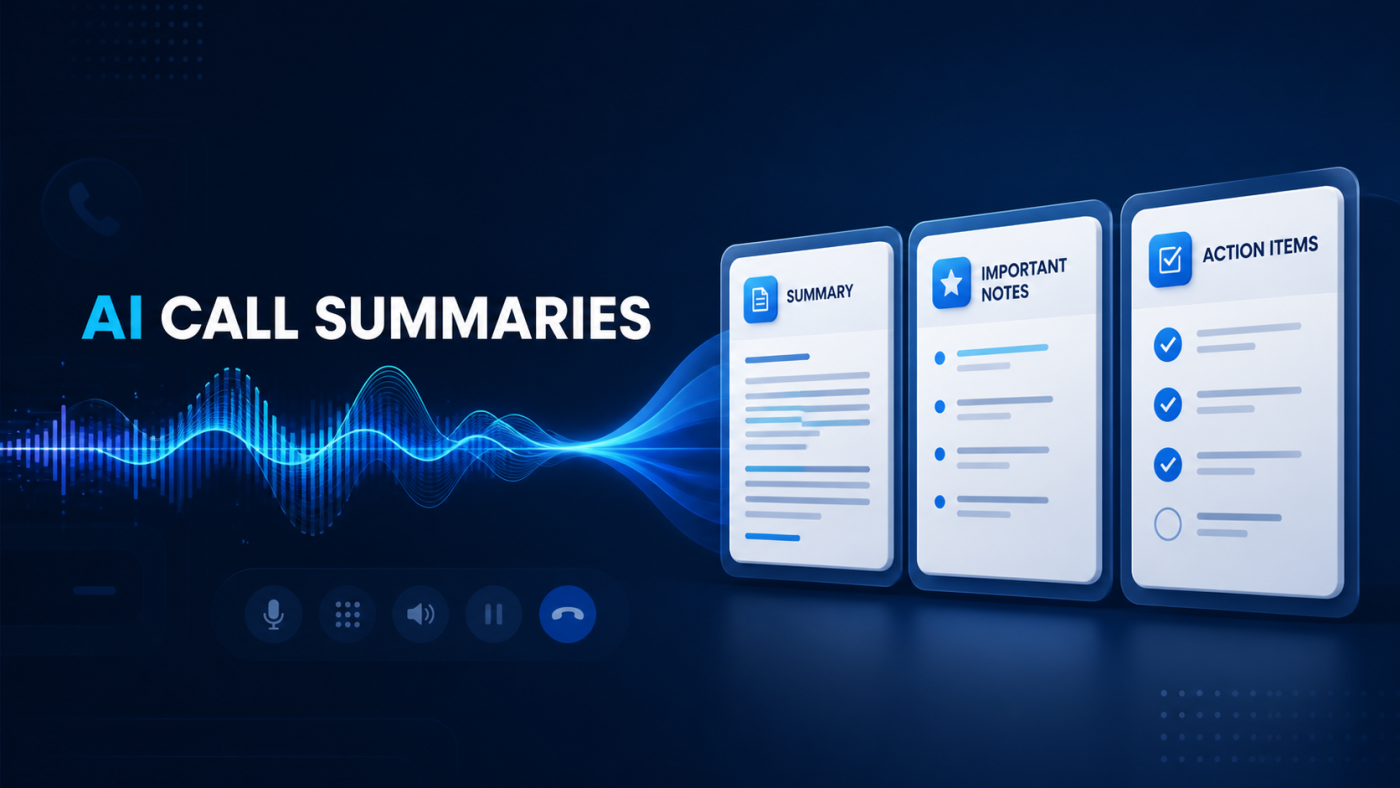
3CX has introduced improved AI call summaries in V20 Update 10, adding structured Notes and Action Items alongside the existing call summary.
The change is designed to make post-call information easier to review. Instead of reading a complete transcript or replaying a recording to identify an agreed next step, authorised users can see a concise account of what happened, the details that matter and any follow-up identified from the conversation.
For support, sales and customer-service teams, this can turn a call record into something more useful for everyday work—provided the output is reviewed and used within an appropriate recording, privacy and access-control framework.
What Has Changed in 3CX V20 Update 10?
According to the 3CX Update 10 announcement, AI call analysis now presents three distinct sections:
- Summary: a concise account of what happened during the call
- Notes: important context, details and decisions from the conversation
- Action Items: follow-up tasks identified from what was discussed
This is a relatively focused product change, but it addresses a genuine operational problem. A transcript contains the full conversation; a useful call record should help someone understand the outcome without searching through every line.
Cleaner Summaries With Less Irrelevant Detail
Update 10 also changes how 3CX instructs the AI to prepare the summary. The updated process is intended to disregard content that does not normally affect the call outcome, including greetings, small talk, IVR menus, hold music and technical noise.
Those elements can still be considered when they are relevant. The objective is not to delete useful context, but to prevent routine parts of a telephone call from overwhelming the information a user actually needs.
3CX also states that the AI should not invent action-item owners, dates, decisions or tasks. Where no useful notes or actions are identified, the relevant section can show “None”. A call without a meaningful conversation can be labelled accordingly.
This is an important safeguard, although AI-generated summaries should still be treated as an aid rather than an infallible business record. Staff should verify important commitments, dates, instructions and decisions against the original conversation where accuracy matters.
How Could Businesses Use 3CX AI Call Summaries?
The practical value depends on the organisation, its call volumes and the way staff manage customer follow-up. Potential uses include:
- Helping a support engineer understand an issue and the next diagnostic step
- Giving an account manager a quick record of requirements discussed with a customer
- Highlighting an agreed callback, quotation or follow-up action
- Making a customer-service outcome easier for an authorised colleague to review
- Reducing the need to replay routine recordings simply to find one detail
- Providing more consistent context when responsibility moves between team members
The feature does not replace a ticketing, CRM or task-management process. Its value is in presenting clearer information that staff can review and use within the organisation’s established workflow.
What About CRM Call Journalling?
3CX says that supported CRM templates can already include AI-generated transcription, a summary and sentiment information when calls are journalled. The more structured Update 10 output can make those CRM call notes clearer by separating the general recap from useful details and potential follow-up.
Availability depends on the CRM, the supported integration template and the way the 3CX environment is configured. Businesses should confirm their particular integration rather than assume every CRM or custom connection will receive identical information.
What Do You Need to Use Full 3CX AI Call Analysis?
The new summary format is part of 3CX V20 Update 10. Full call transcription and AI analytics also depend on the appropriate 3CX AI licensing and transcription configuration.
3CX currently documents transcription choices involving 3CX, Google or OpenAI. The appropriate route will depend on the supported platform configuration, licensing, data-handling requirements and the organisation’s preferred architecture. You can review the current product position on the official 3CX AI analytics page.
Before updating or enabling the feature, check:
- The current 3CX version and update readiness
- The installed licence edition and applicable functionality
- Call recording and transcription configuration
- Who is permitted to access recordings, transcripts and summaries
- CRM integration requirements
- Retention, privacy and security policies
Recording, Privacy and Human Review
AI call summaries depend on processing the contents of a conversation. That makes governance part of the deployment, not an optional afterthought.
UK organisations should consider why calls are recorded or transcribed, what information is processed, how callers and employees are informed, how long the information is retained and which users genuinely require access. Requirements will vary by organisation, sector and use case, so appropriate legal or data-protection advice may be needed.
Operationally, a clear ownership process is equally important. An action item generated from a conversation is not proof that a task has been assigned, accepted or completed. Important actions should enter the normal accountable workflow and remain subject to human review.
Is the Update Worth Enabling?
For organisations already using 3CX call transcription and analytics, the improved structure should make summaries faster to scan and easier to use. The benefit is likely to be greatest for teams handling enough recorded customer conversations that manually replaying calls or searching transcripts creates avoidable work.
For businesses that do not currently record or transcribe calls, Update 10 is a reason to assess the wider use case—not necessarily a reason to enable every AI feature immediately. Start with the business problem, the people who need the information and the controls required around it.
Explore 3CX AI With I.T Communications
I.T Communications helps UK organisations assess and implement appropriate 3CX AI capabilities, including call transcription, summaries, reporting and intelligent call handling.
Explore our 3CX AI services, learn about our Hosted 3CX phone systems, or speak to our team about UK 3CX support for your existing environment.
If your organisation manages its own infrastructure, you can also review our current 3CX licence options.
Talk to I.T Communications about a practical 3CX AI use case for your organisation.